Configure ACH Routing & Transit Numbers (2)

|
|
| Screen ID: | URTMST-02 |
| Screen Title: | Credit Union Master Definition |
| Accessed by Tool Number: | 5425 |
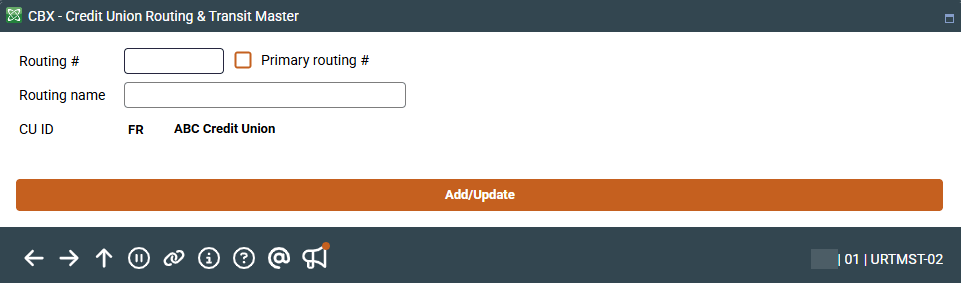
On this second screen, enter the credit union number routing number (up to six characters are supported), a full credit union name for the designated R&T number, indicate if this is a primary routing number, and the two-character CUID (such as TR). When done, use Add/Update to save and return to the initial screen.
Online credit unions are not able to access this screen. If you would like any of these settings to be changed for your credit union, contact a Client Service Representative. self-processing credit unions should also consult a Client Service Representative for advice before making changes to these settings. Remember that some features used in a service bureau environment are not appropriate in the in-house environment.