Configuring Account Reason Codes (2)
| Screen ID: | U_NB-02 | 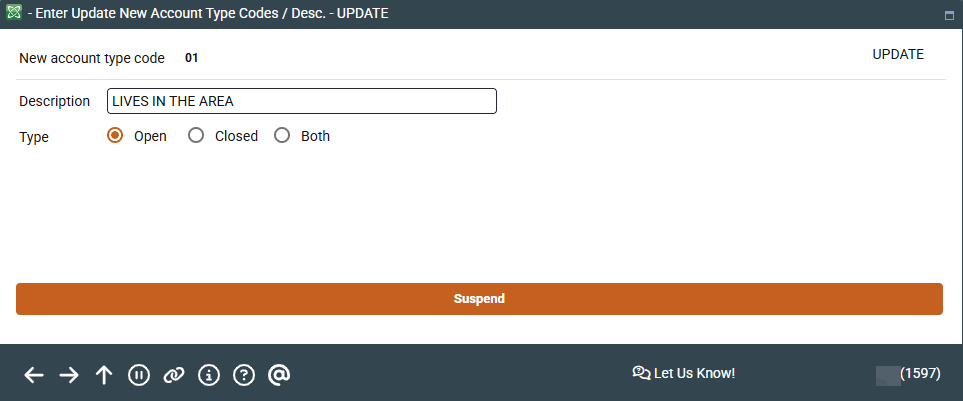
|
| Screen Title: | Enter Update New Account Type Codes / Desc. | |
| Panel ID: | 1597 | |
| Tool Number: | 551 | |
| View full-size screen |
Access this screen by selecting a account code on the previous screen.
Use this screen to enter the description of the reason code and Type (which determines whether it should appear in the lookup list while opening or closing an account). Codes marked with "Both" will appear in both lists. Press Enter to save and return to the previous screen.