Configure Catalog Groups
|
Screen ID: Screen Title: Panel Number: |
UTSLST-03 Configure Catalog Groups 4257 |
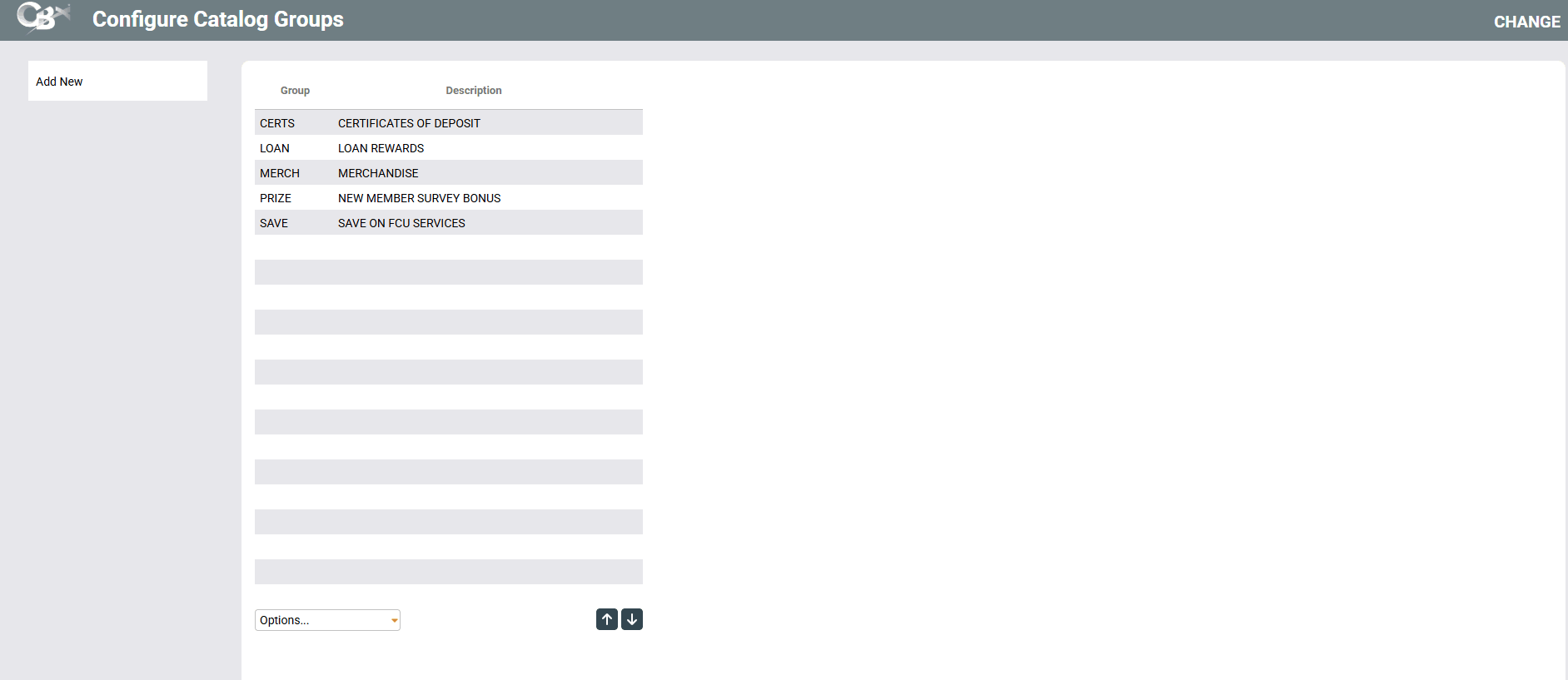
Access this screen by selecting Work with Groups on the Configure Reward Points Redemption Catalog screen.
Groups help you organize your catalog into similar items. For example, you might want to separate your special rates from promotional products like a credit union mug or shirt.
To add a new group code, use Add New. Or select an existing item in the list and use Change.