Transaction History (Chargeback Dashboard)
| Screen ID: | ICHGBKDT-02 | 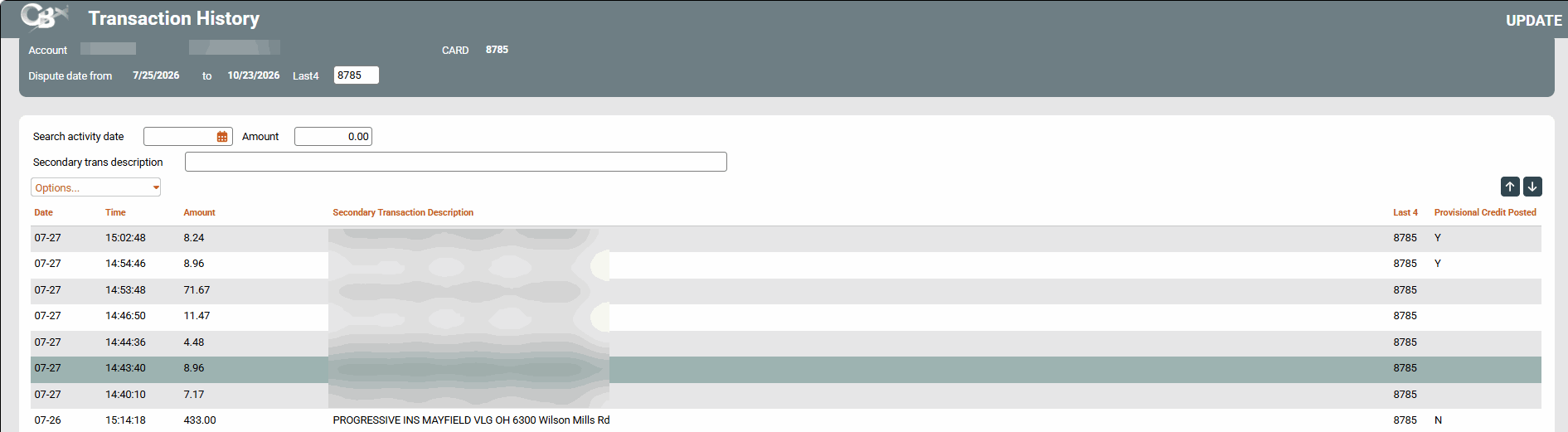
|
| Screen Title: | Transaction History | |
| Tool Number: | 1066 | |
| View full-size screen |
Access this screen by selecting a transaction on the previous screen, while adding a dispute from the Chargeback Dashboard.
This screen is where you will select the specific transaction for the chargeback dispute. Select a transaction and use the drop down option to Work Dispute. This will return you to the Add/Maintain Card Dispute screen.