Configure Dispute Statuses
| Screen ID: | UDSPSTAT-01 | 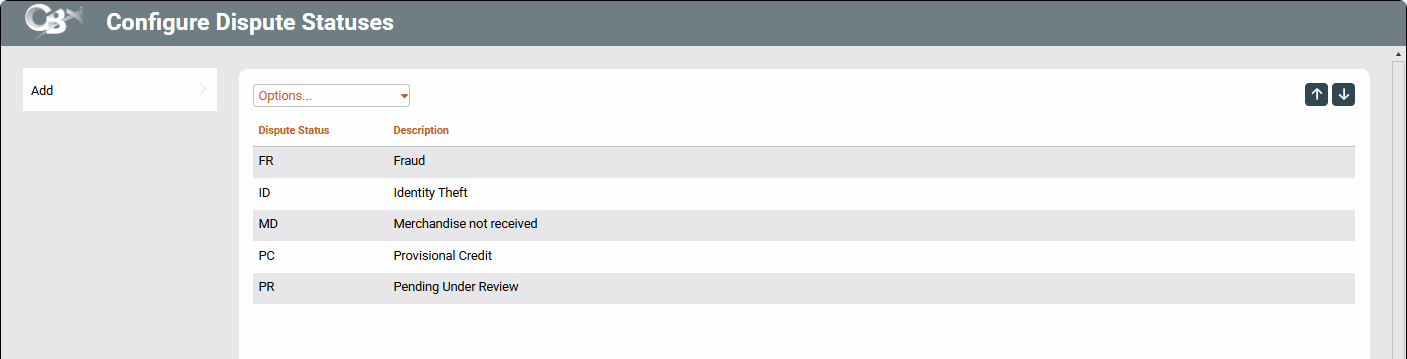
|
| Screen Title: | Configure Dispute Statuses | |
| Tool Number: | 1068 | |
| View full-size screen |
Access this screen by selecting Tool #1068 Chargeback Dispute Status Configuration from the CBX home page.
Screen Overview
This tool is the first step to use the Chargeback Dashboard, a tracking tool for your credit union to monitor and maintain current chargeback incidents for members. A dispute status is required to
In this tool, use Add from the left options to add a new dispute code and description. Additionally, you can use the drop-down options to Edit, View, or Deletean existing status.
Dispute Status Examples
While your credit union will decide on your own statuses, likely matching the chargeback reason codes given by vendors, merchants, and processors, some examples may be Fraud, Merchandise Not Received, Provisional Credit, or Pending Under Review.