Configure Dispute Status: Add, Edit, View
| Screen ID: | UDSPSTAT-02 | 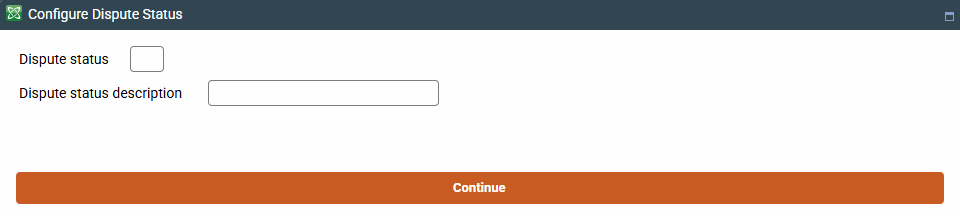
|
| Screen Title: | Configure Dispute Statuses | |
| Tool Number: | 1068 | |
| View full-size screen |
Access this screen by selecting to Add, Edit, or View a dispute status on the previous screen (Tool #1068 Chargeback Dispute Status Configuration)
Use this screen to enter a dispute status code and description. These descriptions are used on the Chargeback Dashboard (Tool #1066).
Dispute Status Examples
While your credit union will decide on your own statuses, likely matching the statuses given by vendors, merchants, and processors, some examples may be Fraud, Merchandise Not Received, Provisional Credit, or Pending Under Review.
Dispute status codes are not able to be edited once configured, only the code description - use caution when creating codes.